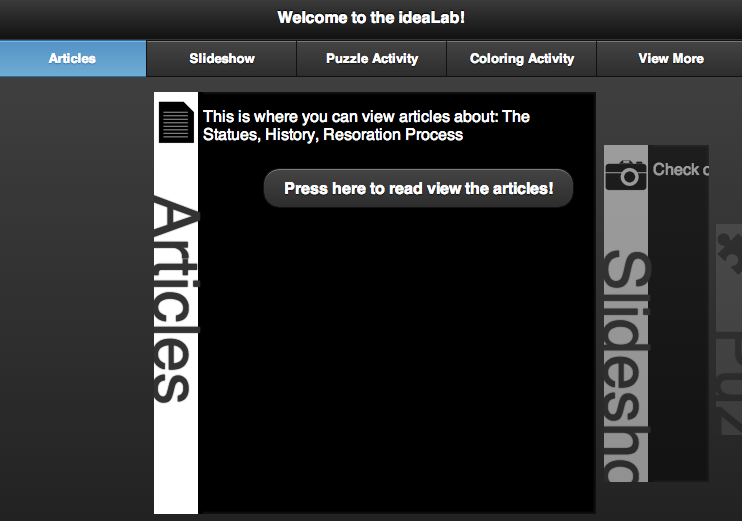
One of the clients tested the article viewing concept and had a few suggestions:
The first suggestion was only having a fixed footer and removing the header as well as the previous and next buttons above the article. This was implemented with relative ease, the only issue was the footer which would disappear whenever a function was called that did animation. I learned that this is a default setting for jQuery mobile when you make the footer fixed.
Here is the code for the footer div so that it didn’t move when an animation or click was executed:
<div data-role=”footer” data-position=”fixed” data-mini=”false” data-tap-toggle=”false” class=”ui-footer ui-bar-a ui-footer-fixed slideup” id=”footer” role=”contentinfo”>
</div>
Then i just added the home button, the previous button and the next button. In place of the old buttons I placed the title of the current chapter in a header tag.
The second suggestion which was a solution to a problem in the design of the scroll to switch focus concepts. If there is no where to scroll the user can’t change focus and therefor can’t view the other images. This suggestion was a touch the paragraph to execute the animation and focus changes. This was a very simple and elegant solution; all I added was an if statement that was essentially if the page is not scrolling implement a click function on the p tag to execute the same focus change functions. However in the else statement I also added a function that would allow the clicking on the p tag but it was implemented by scrolling the page, not directly changing the focus.
In essence: If(no scolling){ p.click -> execute focus change functions} else{ keep scroll functions p.click -> scroll to the proper section}
This worked without any issues and I was a relaly big fan of the touch to change focus solution!
Here is a screen shot of the new setup!
Until next time!
-Joe


From the blog itsJoe's Blog » cs-wsu by itsjoeyoung and used with permission of the author. All other rights reserved by the author.


 Uncaught ReferenceError: numRow is not defined (repeated 2 times)